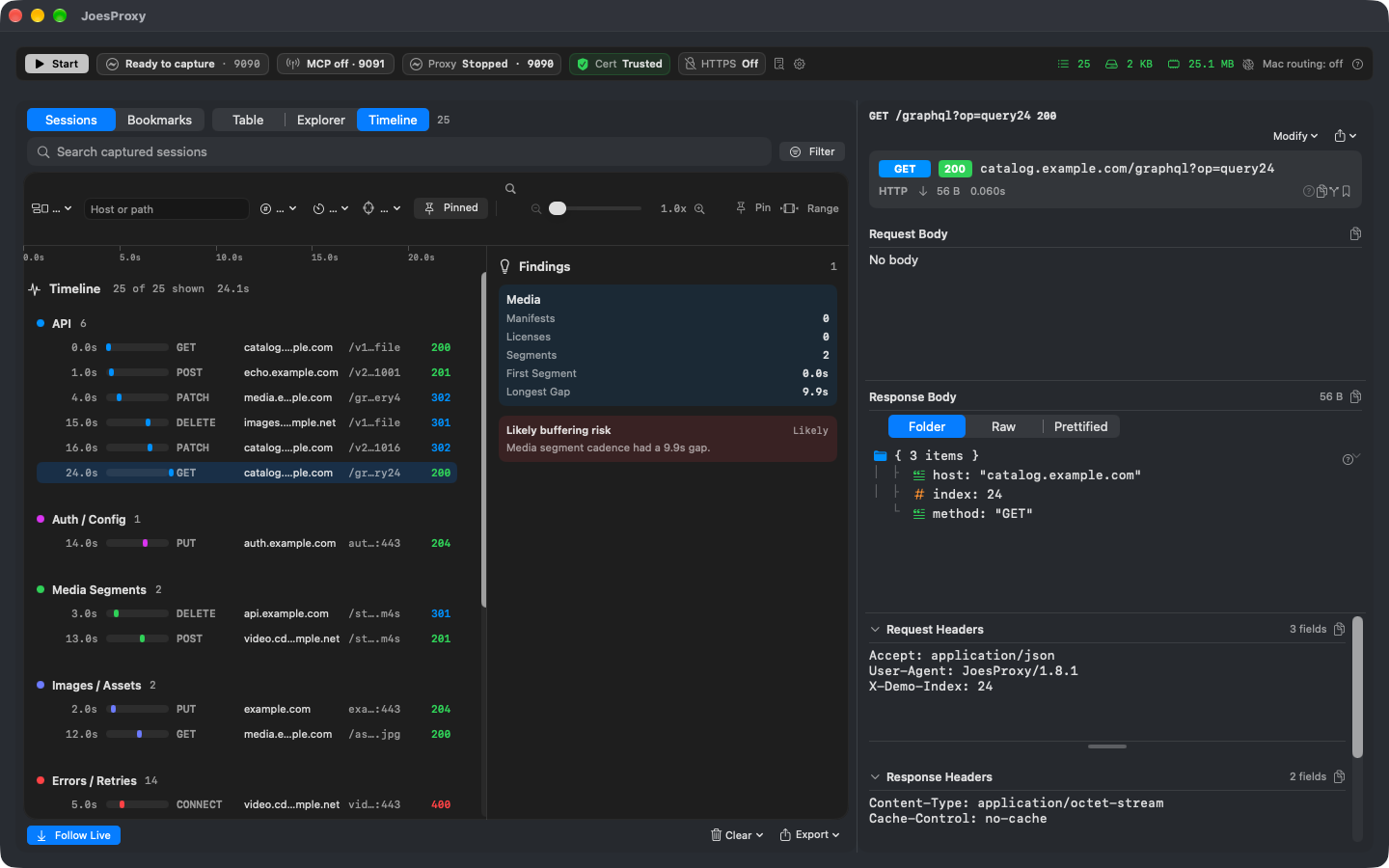
Network conditioning & throttling
Separate a slow transfer from a slow screen or an ineffective cache refresh.
Bandwidth and latency answer different questions
Limit throughput to stretch a large transfer. Add latency to expose a sequence of small requests that each waits for the previous response. Run a baseline first, and remove the condition afterward.
Know what you measured
Conditioning applies to traffic routed through the proxy, not every connection on the device. Byte pacing is not packet-loss simulation. If the app used a cached image and made no request, there is no second transfer to compare.
Try it
Load the same artwork on the same device twice. Keep the asset and app state fixed; change only the bandwidth limit for the second run. Compare the transfer durations and observe when the artwork actually appears.
Run a controlled comparison
- Connect the target and record one run without conditioning. Confirm the asset was fetched through the proxy.
- Enable a bandwidth or latency profile in the toolbar or Settings → Throttling. Keep the target, action and content fixed. Repeat once and compare the same request in the waterfall.
- Test stale content separately. No Caching changes caching behavior on matching inspected traffic; it cannot refresh an object the client reads entirely from its own cache. Record whether a new request reached the listener before comparing timings.
FAQ: why did turning on throttling make no difference?
Check for a new, matching inspected request. The feature does not model packet loss and cannot pace a transfer outside its supported proxy path. Opaque TLS pass-through, local app caches, and traffic using other protocols are different cases. A screenshot of a waterfall shows timing, not which profile was active.
Finish
Turn off the test profile and any no-caching policy you enabled. Repeat once under normal conditions and retain the before/after timings with the device observation.
Did this run actually fetch a new response?
If an app reused a cached response, a refresh may not exercise the network condition you selected. For an inspected test host, No Caching can add no-cache directives on proxied traffic. It does not modify end-to-end encrypted tunnels or prove the app discarded its own local state. Look for a new matching request and compare its transferred bytes before interpreting elapsed time. Restore the prior caching setting after the test.