 JoesProxy
See what your app actually received.
JoesProxy is a network proxy for Mac. Select a request to inspect its URL, status, headers, and response body. Use the timeline to see which requests came before and after it.
Explore the project ↗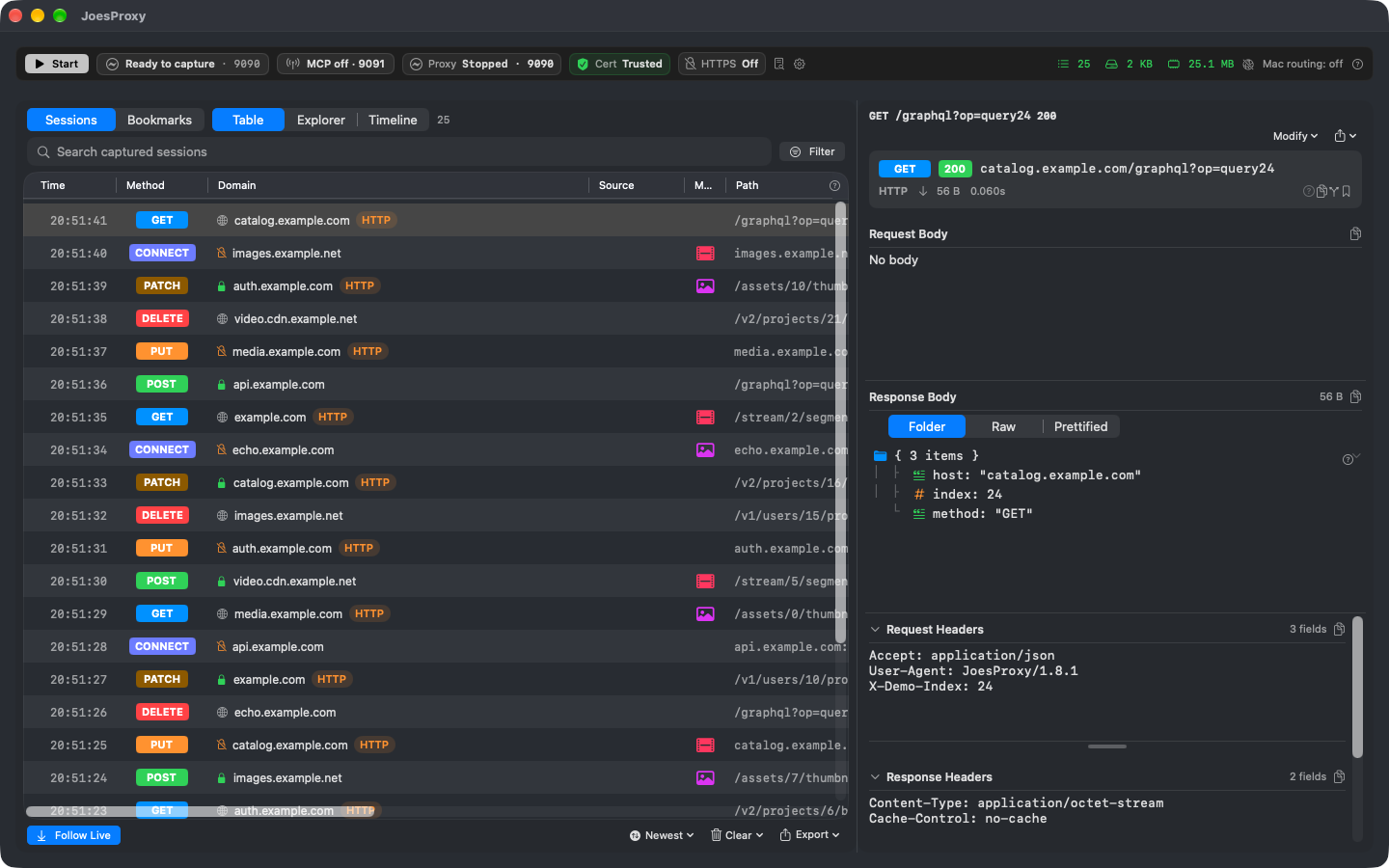
Let your agent test its theory against real traffic.
Through the local MCP server, your coding agent can find a failed request, propose a mock response or a bandwidth limit, then inspect the retry. You approve traffic changes on your Mac.
Save input tokens by asking for session summaries and just the requests that matter, rather than feeding the model an entire capture. In the development preview, the agent can also compare two responses and skip resending unchanged evidence.
Reproduce the playback bug that only happens live.
Suppose viewers lose audio after rewinding a live event and switching languages. Route the shipping app on your device through JoesProxy and redirect its stream requests to the built-in HLS server. No special player, app rebuild, or change to the production service.
- Recreate the starting conditions. Mock catalog entries, titles, artwork, and playback responses together. Patch nested JSON fields, serve local files or a whole directory, or point selected requests at another origin. Start the stream with DVR history ready to rewind, or at the live edge with no history.
- Isolate the trigger. Start with aligned audio and video, then vary one condition: a discontinuity at a rendition switch, misaligned segments, rotating keys, missing codec declarations, or alternate audio and subtitle tracks. Limit bandwidth, return an HTTP error, or drop a connection to test recovery.
- Hand QA a repeatable case. Compare the playlist, key, and segment requests before and after the switch; listen on the device to confirm whether audio returns. Share the mock rules and assets as an Effect Bundle, along with the HLS profile, network settings, and seek point for the next run.