Map Local, Map Remote & response rewrites
Change the one part of an API response that matters, or serve an entire test scenario.
Choose the smallest matching rule
- Map Local: return a file or directory instead of fetching from the origin.
- Map Remote: send matching requests to a different backend.
- Block: return an error status or interrupt a connection to exercise recovery.
- JSON rewrite: keep the live response and patch a field using a dot path or bracketed array index.
Give QA the same starting state
Package the related rules and local assets in an Effect Bundle. Review its match scope before activation. Record the app action separately. Disable the rules and repeat the request to verify ordinary routing is back.
Try it
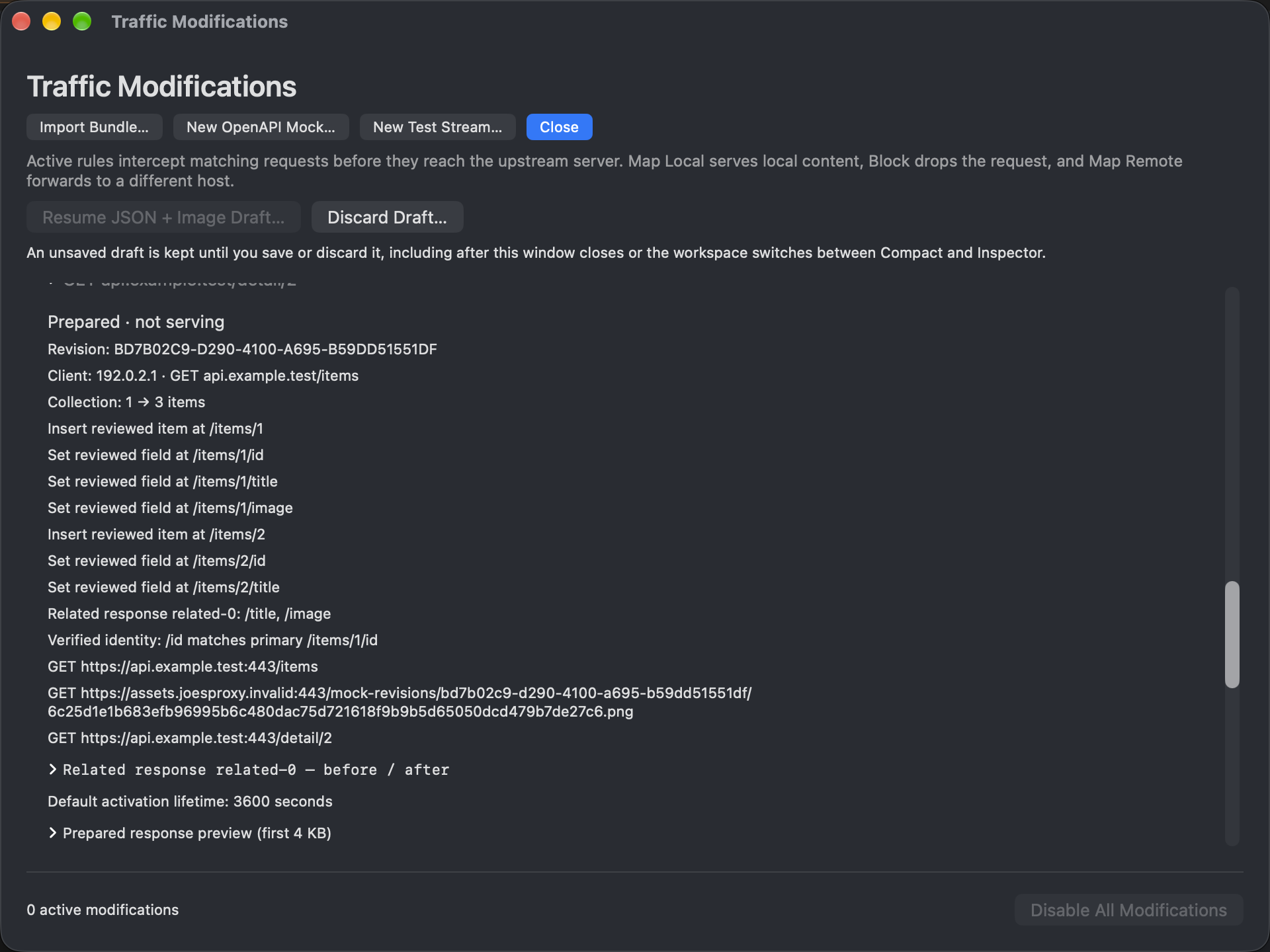
Use a synthetic catalog and a local artwork file. Patch one nested artwork URL, map its request to the file, then refresh. Confirm both the returned catalog field and the subsequent image request.
How to tell whether the rewrite ran
Start with the target setup and capture the baseline response. Confirm the path in the actual JSON rather than inferring it from a UI label. Use a field with an unmistakable synthetic value, then compare the next matching request with the original. Keep the HTTP status, response MIME type and override attribution alongside your observation. A saved draft or a valid patch against a bookmarked snapshot is not a runtime match.
FAQ: why did the original artwork come back?
Compare the requested path and query, not just the title in the catalog. Check for a newer enabled matching rule. If there is no artwork request, the client may have reused local state. Try a known fresh resource in the synthetic catalog before broadening the match. To repeat the pair on another Mac, see Effect Bundles.
Finish
Disable the rule, refresh again, and verify the upstream response and ordinary client behavior. A still-visible cached image is not proof an override remains active.