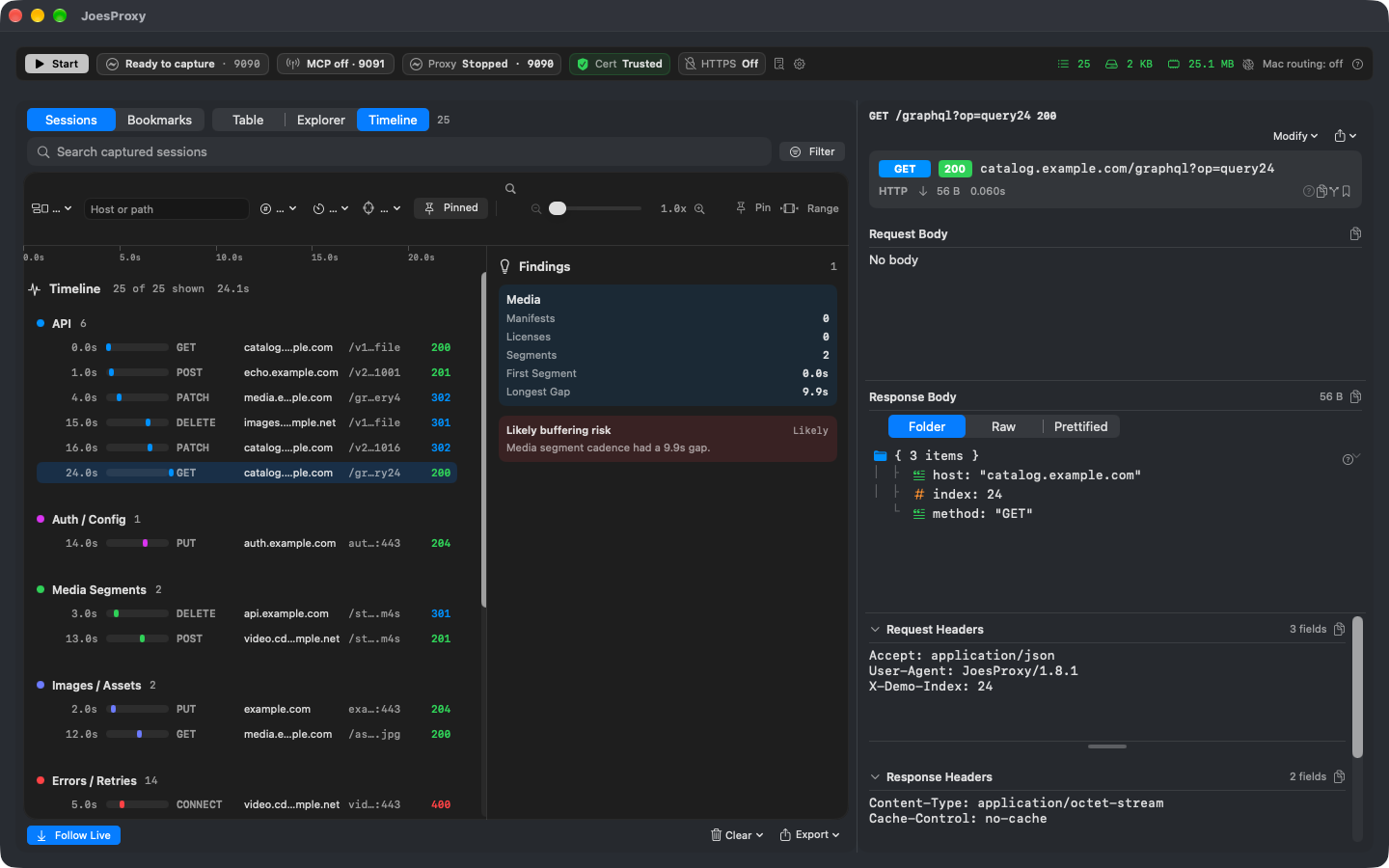
Media investigation & the HLS server
Recreate a live stream failure on a real device without waiting for the next broadcast.
The picture keeps playing, but the audio disappears when you rewind a live stream and switch tracks. To find out whether the switch matters, play the same moment twice in your app: once with the audio and video boundaries aligned, once with the discontinuity at different points in the two playlists.
Can you rewind as soon as the stream starts?
Connect your Apple TV or iPhone or iPad and play a test title. Find its playlist request before changing anything. In the HLS server’s live loop mode (liveLoop), choose Warm DVR (warmDVR) for this test: the playlist already has earlier segments to seek into. Cold DVR (coldDVR) starts at the live edge with no history. Use that when the question is what happens at startup.
Switch tracks at the same spot
- Start the aligned test stream. Review a redirect for just your test title’s stream path. Check that the player requested the fixture’s playlist; starting the server alone doesn’t put the app on that stream.
- Rewind to a spot you can identify in the playlist. Note the segment, the audio track you switched to and what you heard. Use playback position rather than the time on your watch: the live window moves.
- Repeat with the drift fixture. Keep the DVR settings, seek point and track switch the same. If the audio cuts out, let the picture run for a moment. Does sound return by itself, only after another seek, or not at all?
Which audio did the player request?
Open the HLS master playlist (.m3u8) and find the audio group for the video variant. In the audio and video media playlists, find the discontinuity markers around your switch. Check which audio playlist and segments the player actually requested after that point.
A useful bug report can be as short as: “The Spanish audio segment finished downloading. The picture kept moving, but I heard silence until I sought again.” Use that wording only if you observed both. A 200 status alone doesn’t tell you that the transfer finished or that the decoder played it. If the transfer was still pending when capture stopped, record that instead.
For a DASH title, use the MPD inspector to look up adaptation sets and representations. For a VAST or VMAP response, inspect the creative URL and tracking beacons. Those describe what the response contains; the player is where you check what appeared or sounded wrong.
Play the original title again
Remove the redirect and stop the fixture. Reopen the title, confirm a fresh playlist request to its ordinary source, and try the track switch again. Keep the playlist observations and the playback result together so someone else can repeat the test.